Overview
UH Connect is a web application that helps UH students discover and connect with other gamers on campus based on their favorite games, skill levels, gaming goals (casual play, ranked competition, streaming, etc.), and availability. By creating detailed gamer profiles, students can find like-minded players to form teams, join communities, or just find new friends to play with.
What makes UH Connect special:
- Campus-Focused: Exclusively for UH students, creating a trusted gaming community
- Interest Matching: Advanced filtering by game preferences, play styles, and skill levels
- Event Discovery: Centralized hub for gaming tournaments, LAN parties, and esports events on campus
- Personalized Recommendations: AI-driven game and player suggestions based on user profiles
- Team Building: Easy formation of competitive teams and casual gaming groups
Unlike general gaming platforms like Discord or Reddit, UH Connect provides a curated, campus-specific environment where students can safely connect with verified UH peers who share their gaming interests.
Deployment
Live Application: https://uh-connect.vercel.app/

Links
- Team Contract: View Team Contract
- GitHub Organization: gamer-connects
- M1 Project Board: Milestone 1
- M2 Project Board: Milestone 2
- M3 Project Board: Milestone 3
- Test Cases: View Test Cases
User Guide
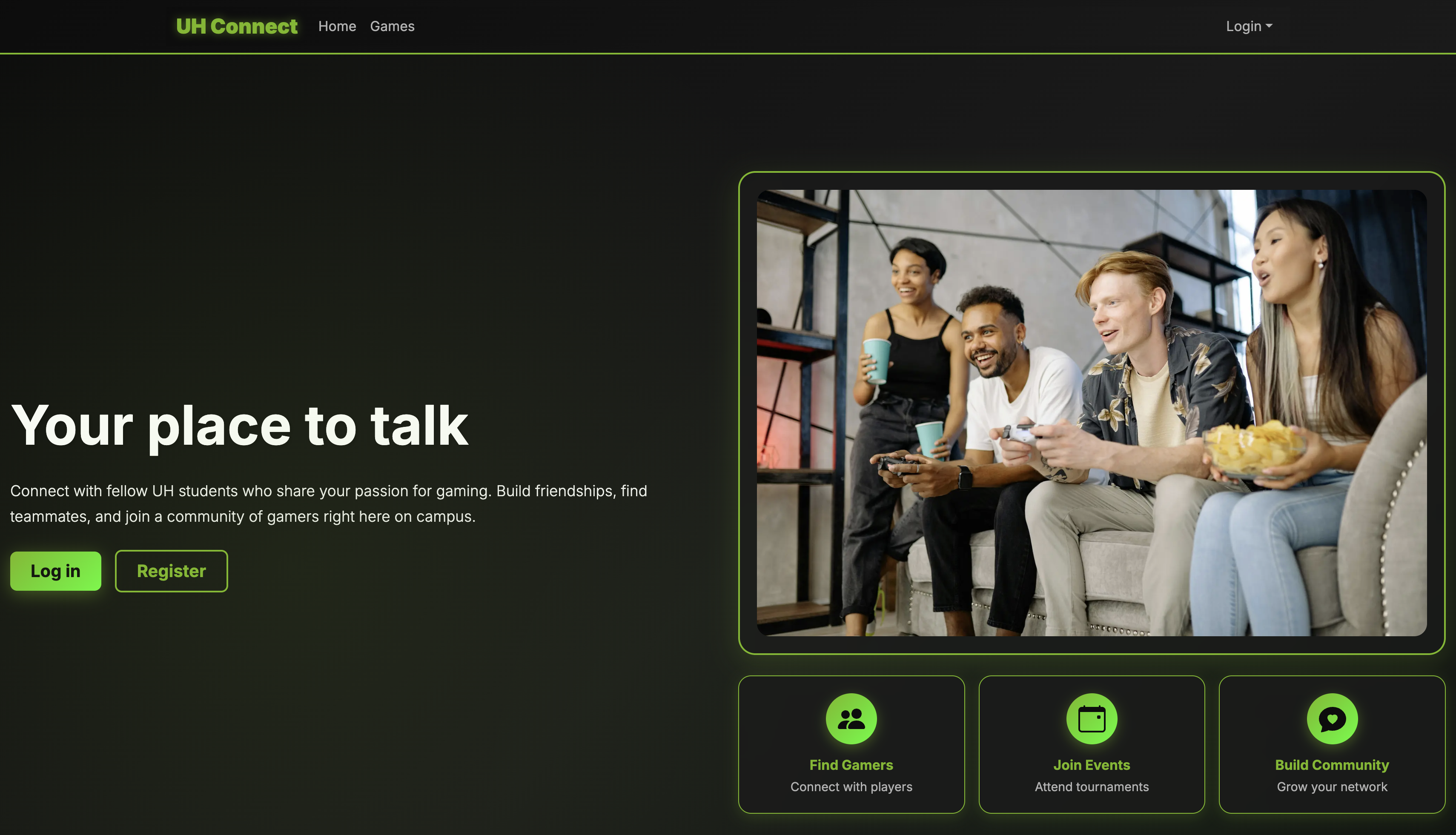
Landing Page
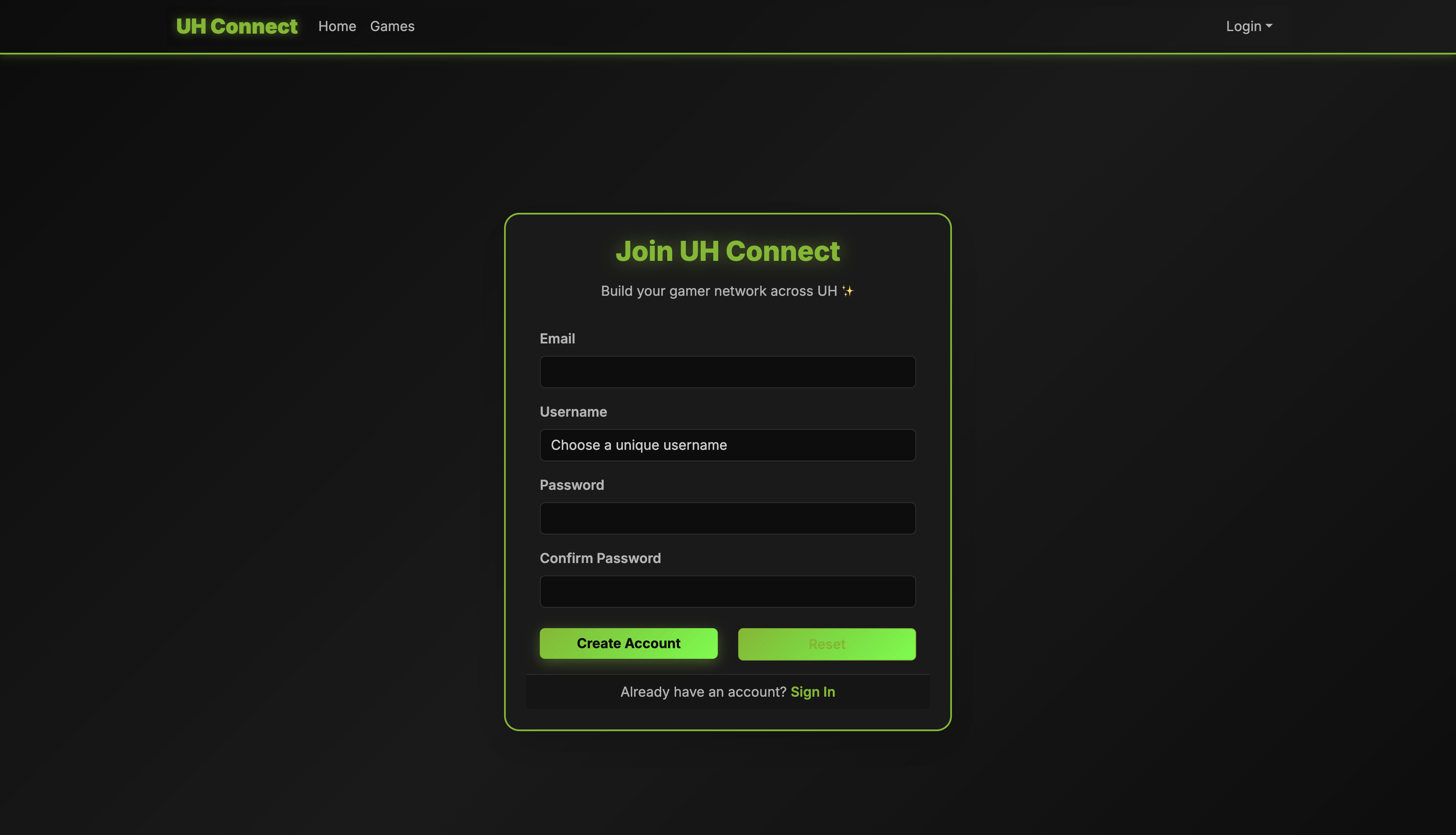
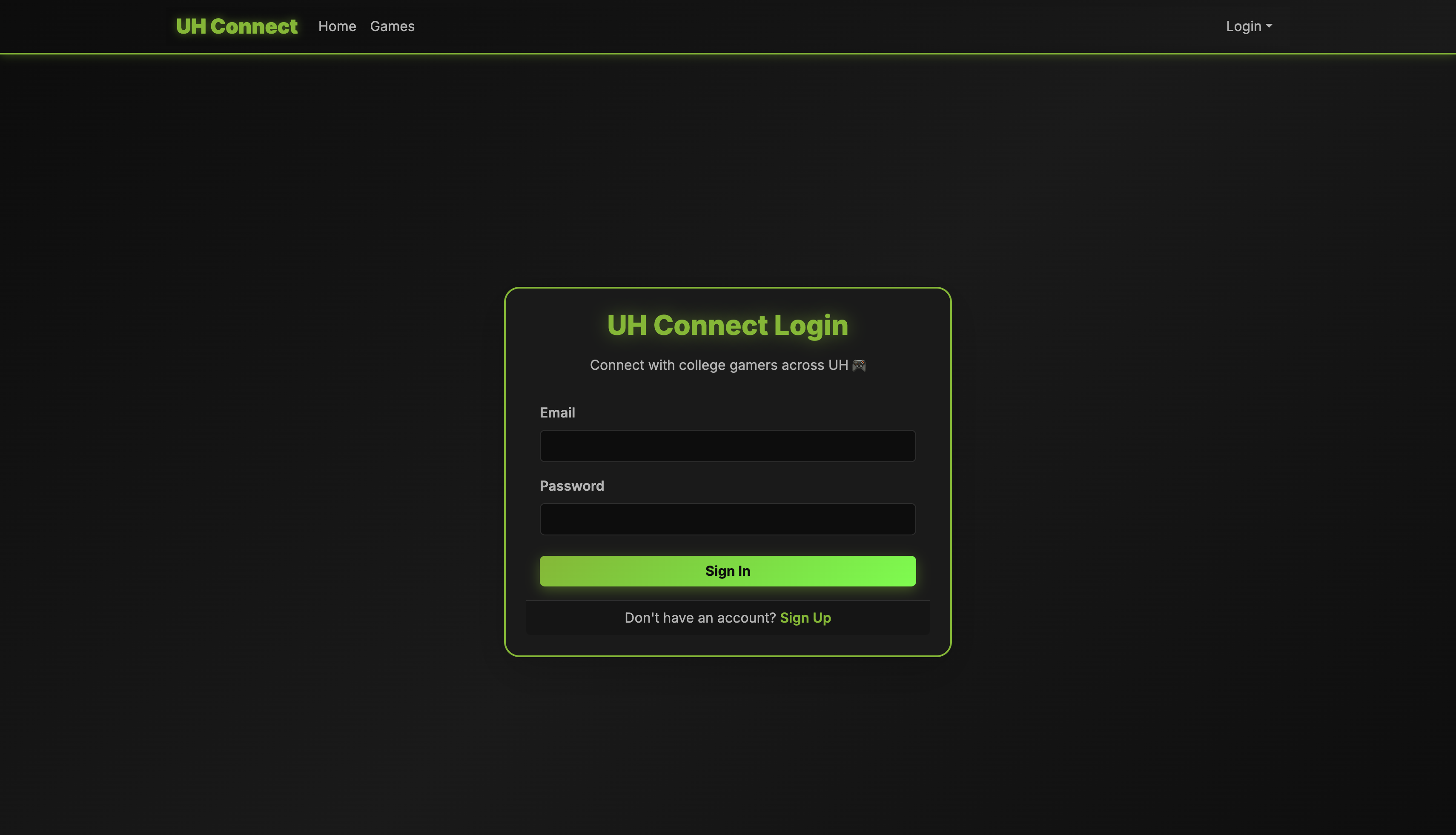
Sign Up/Sign In
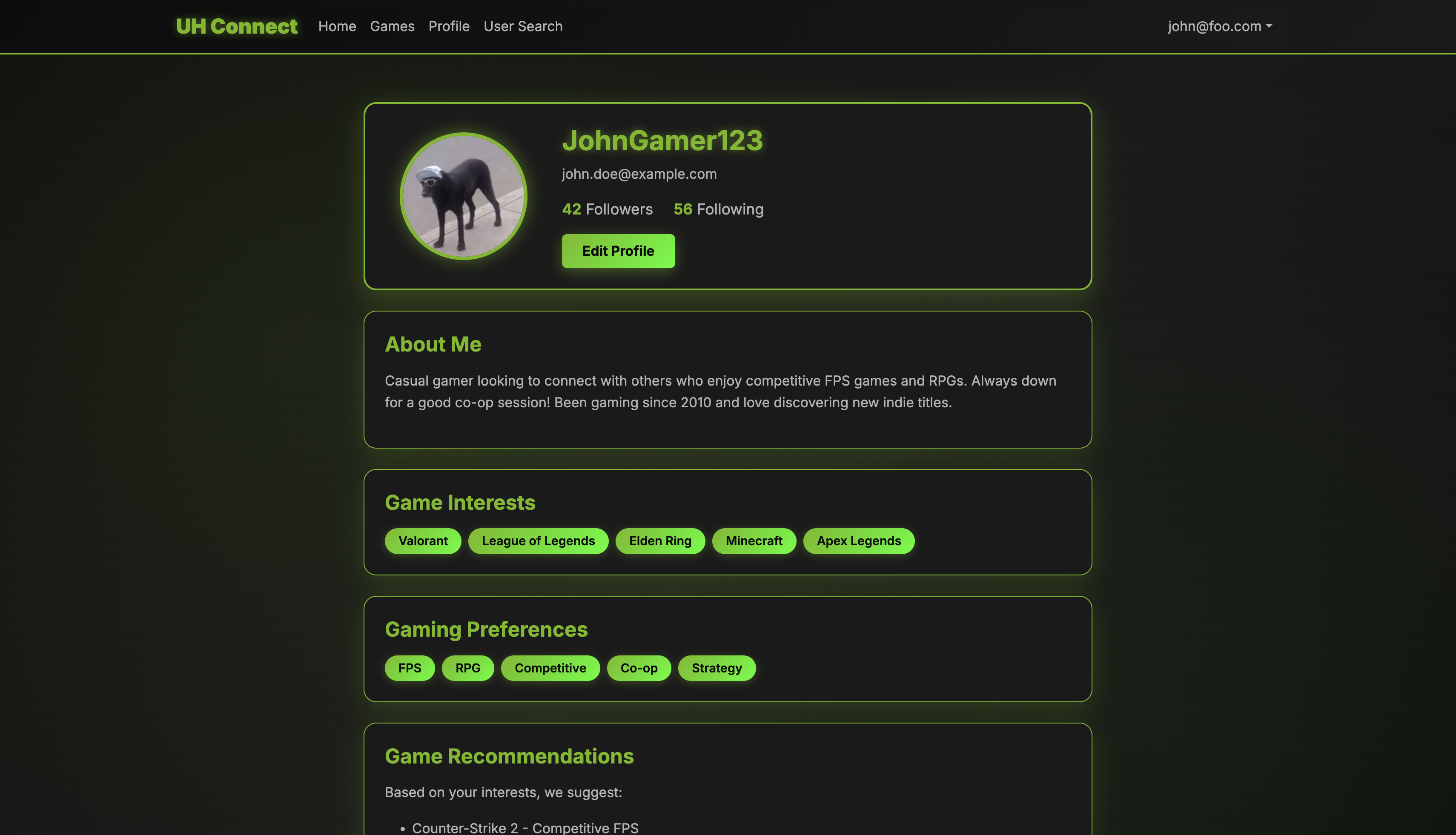
User Profile Page
Home Page
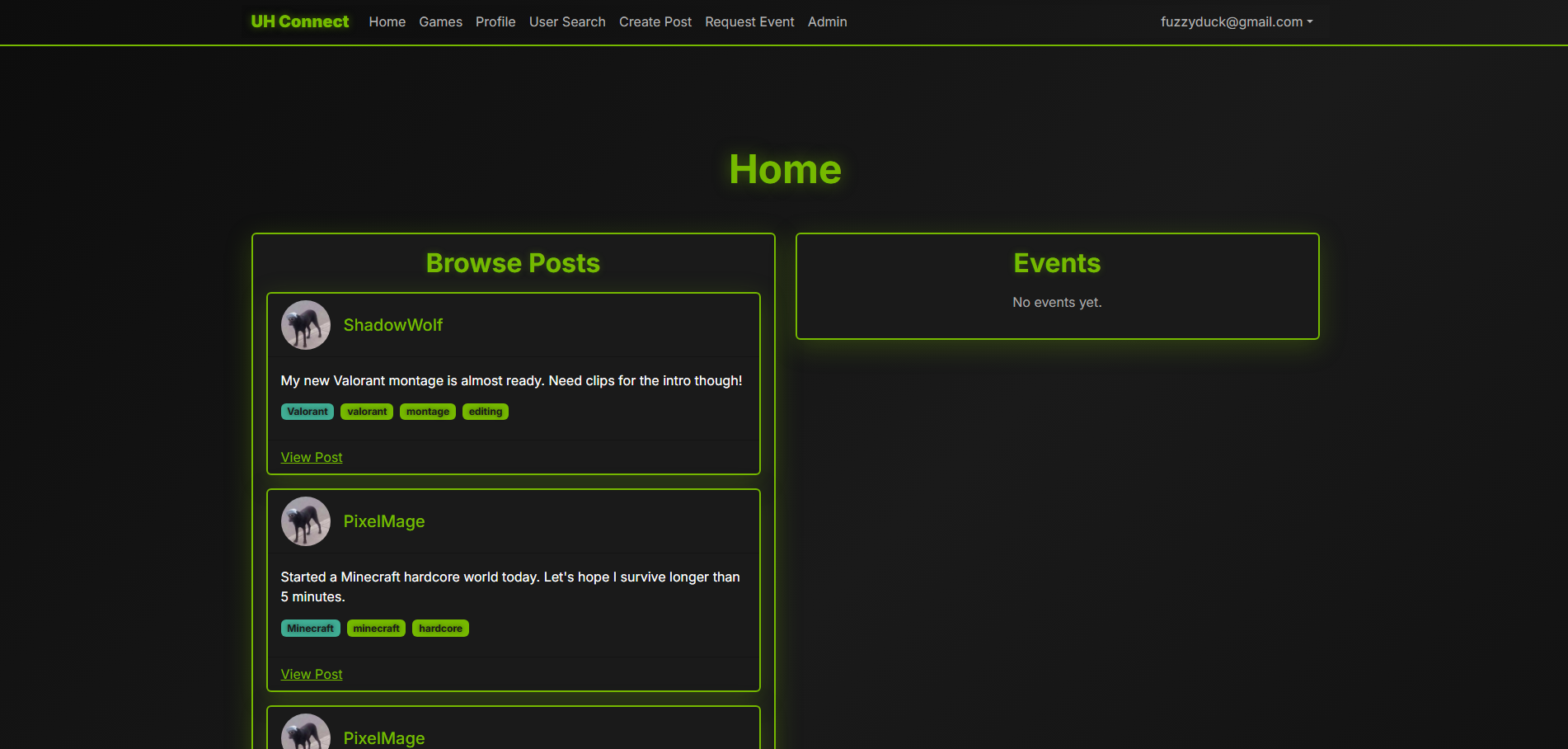
Game Page
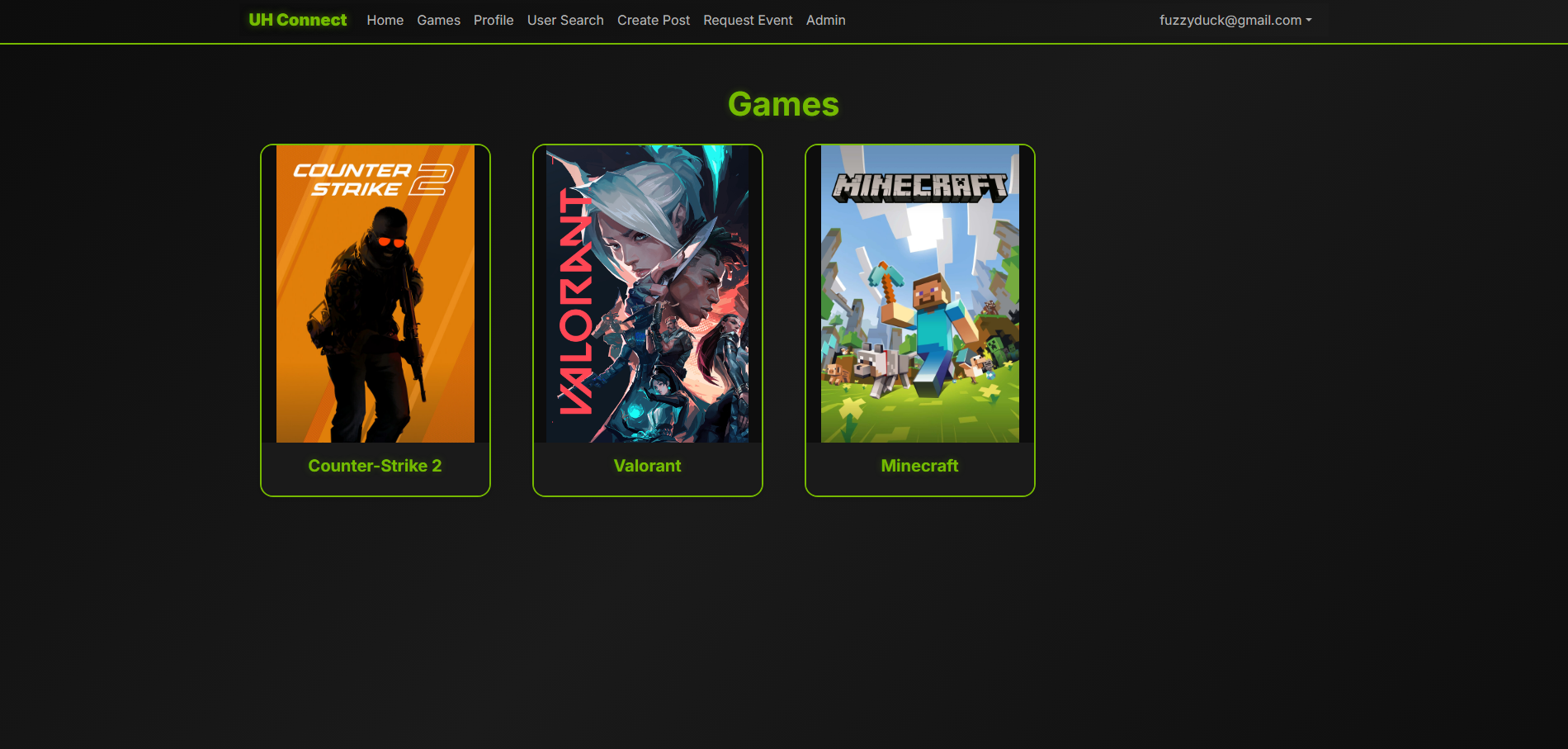
User Search Page
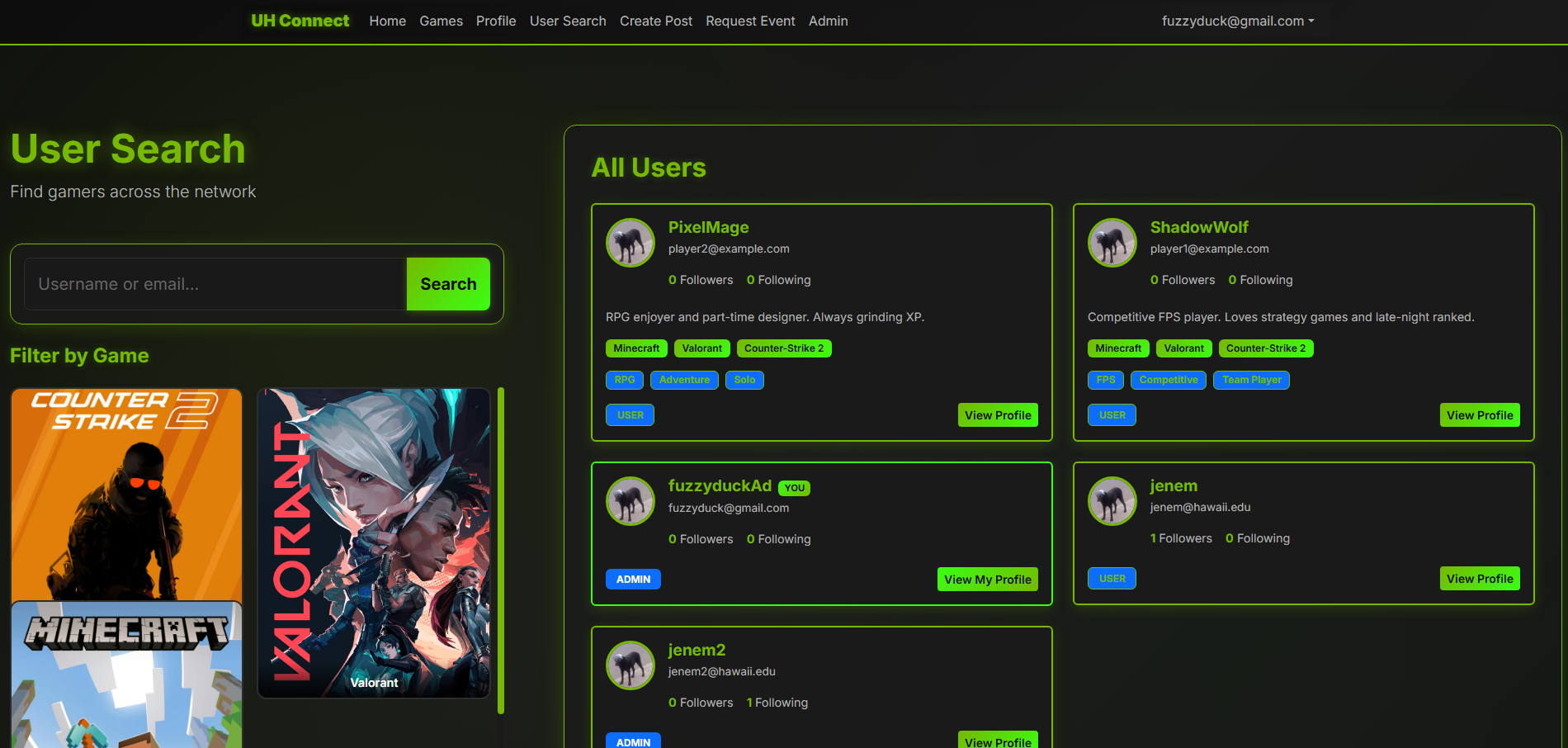
Edit Profile Page
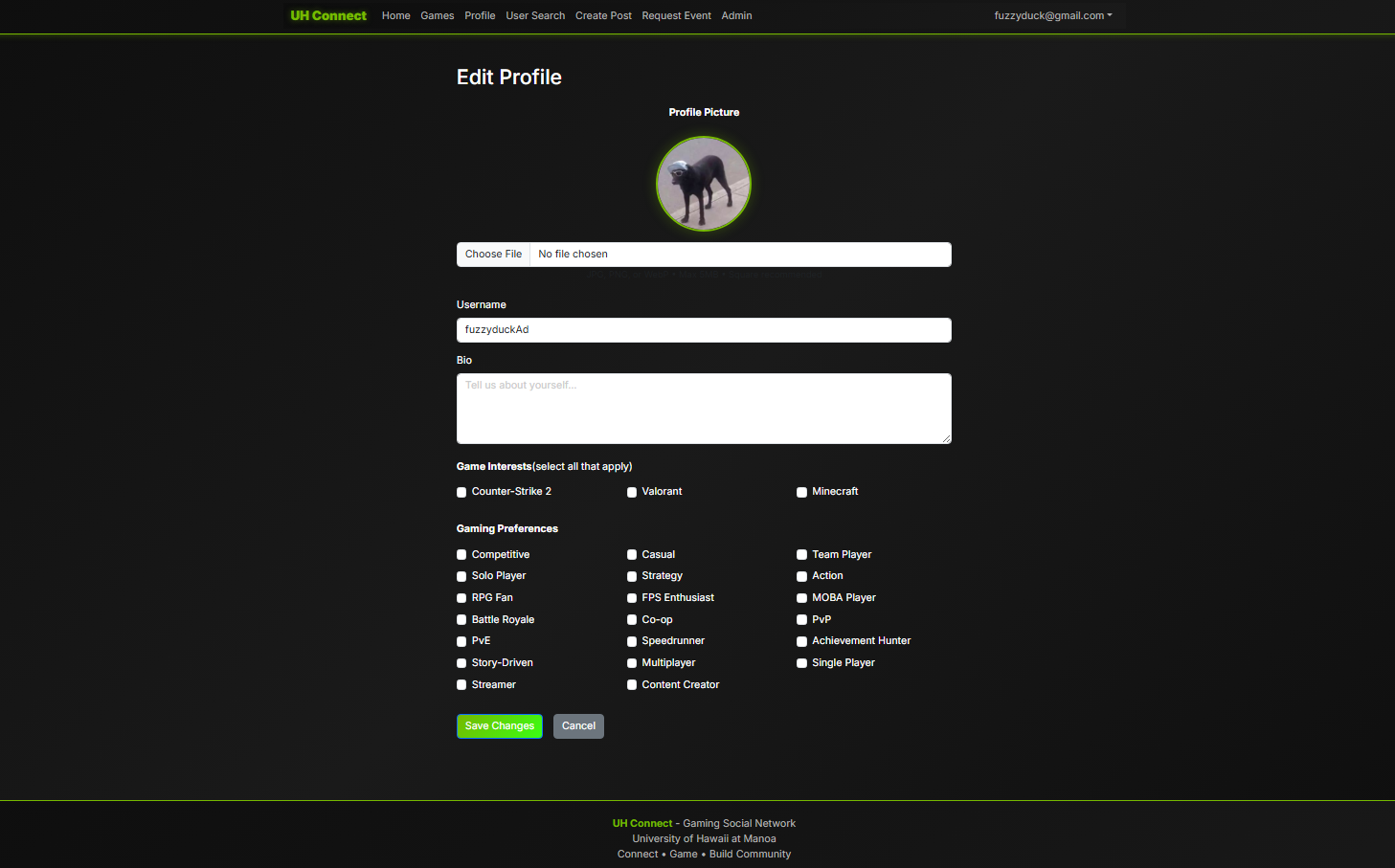
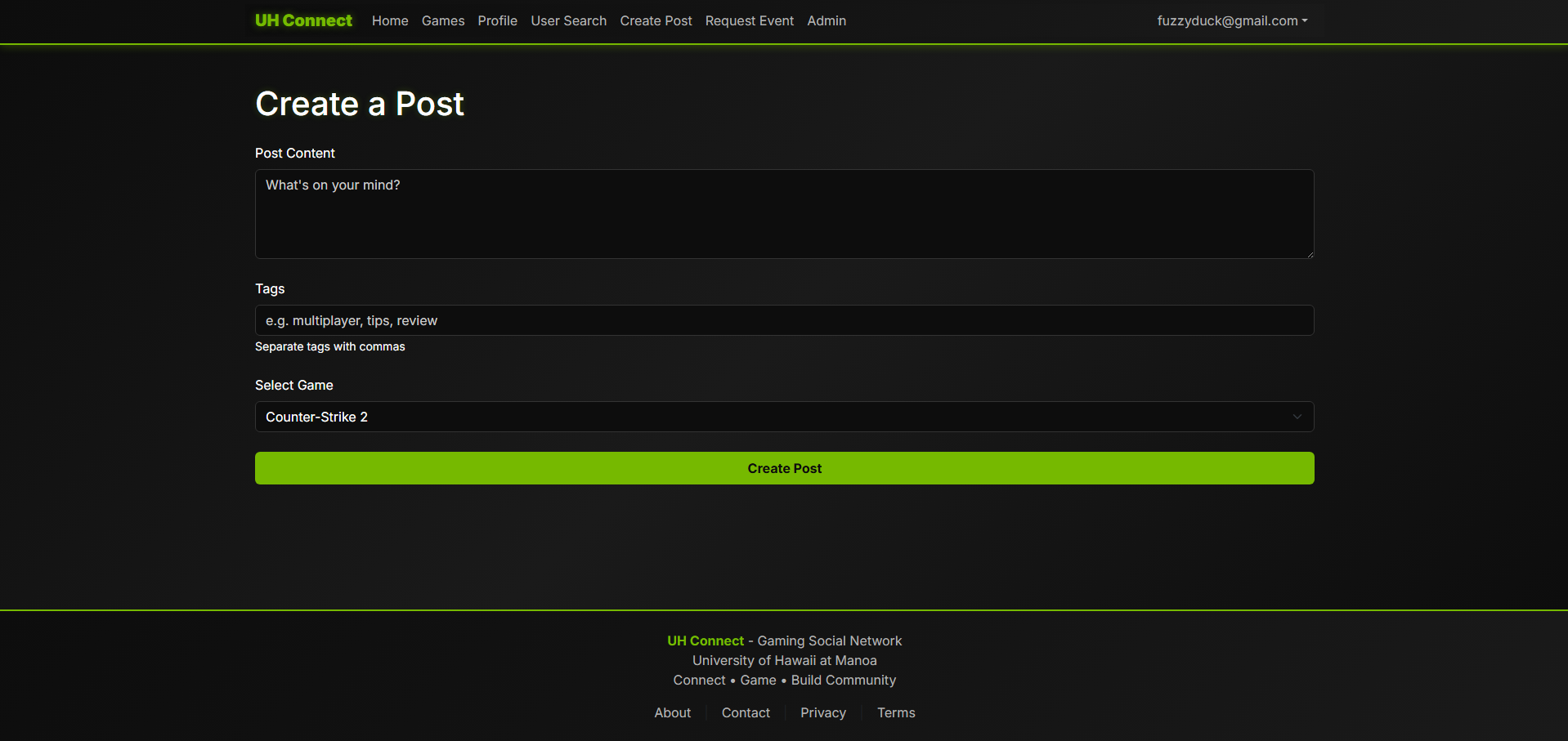
Create Post Page
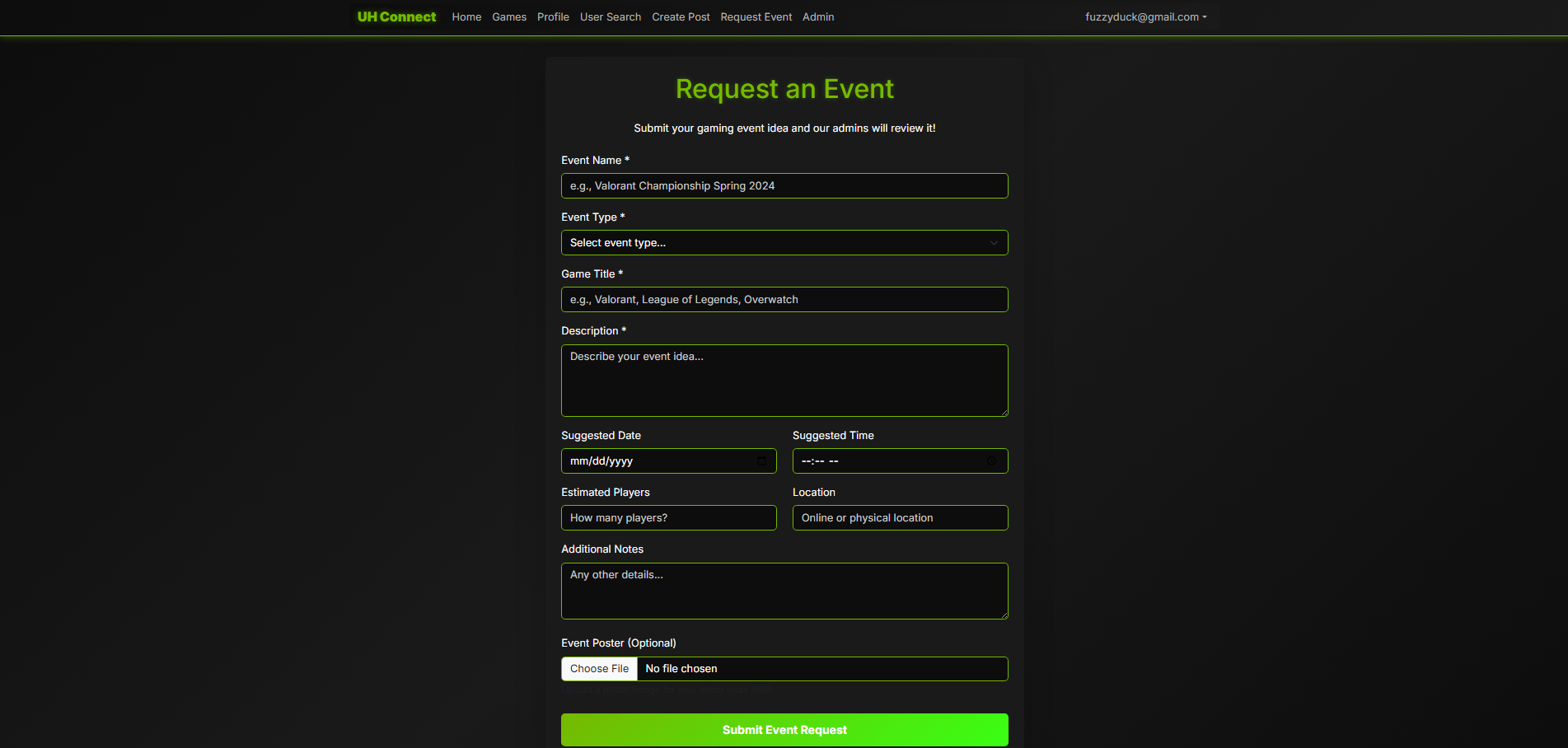
Event Request Page
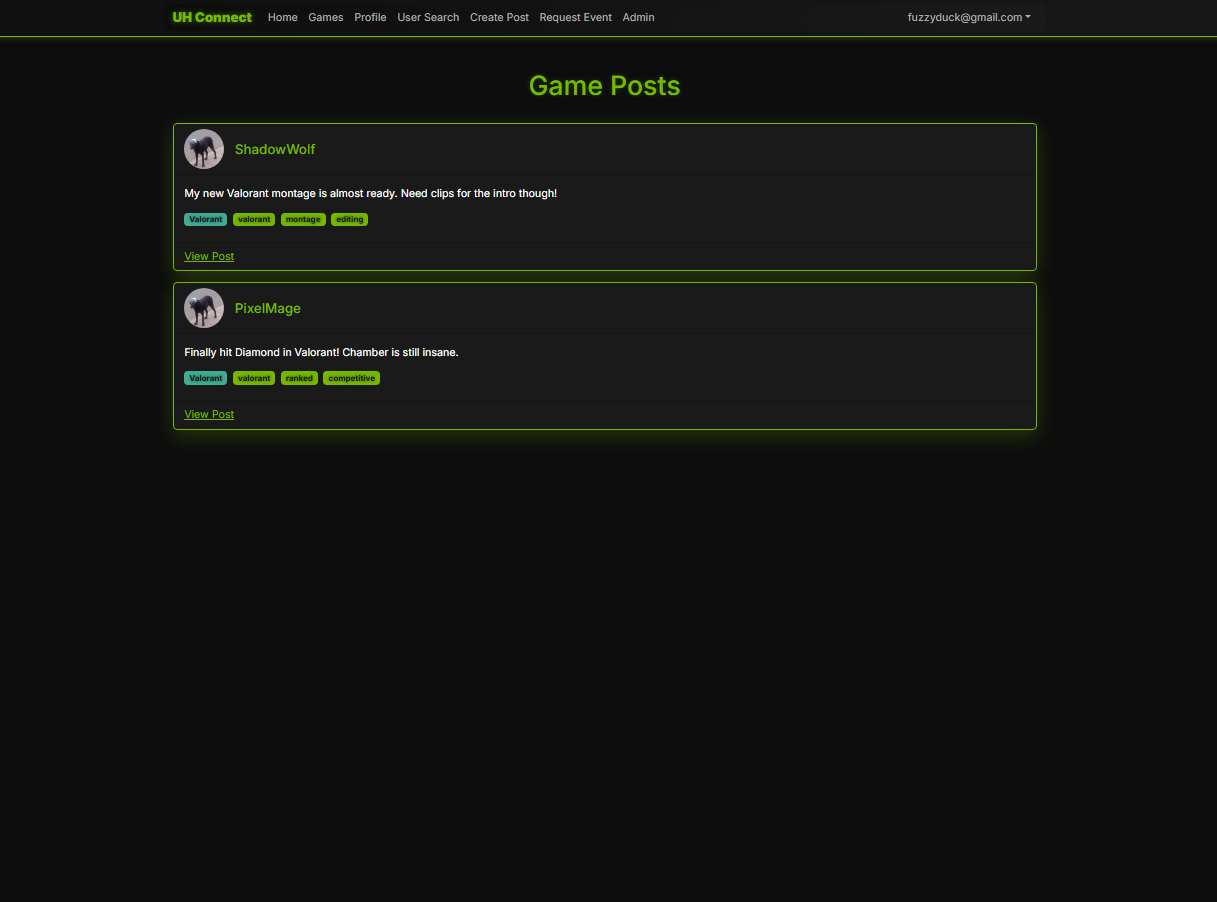
Game Post Page
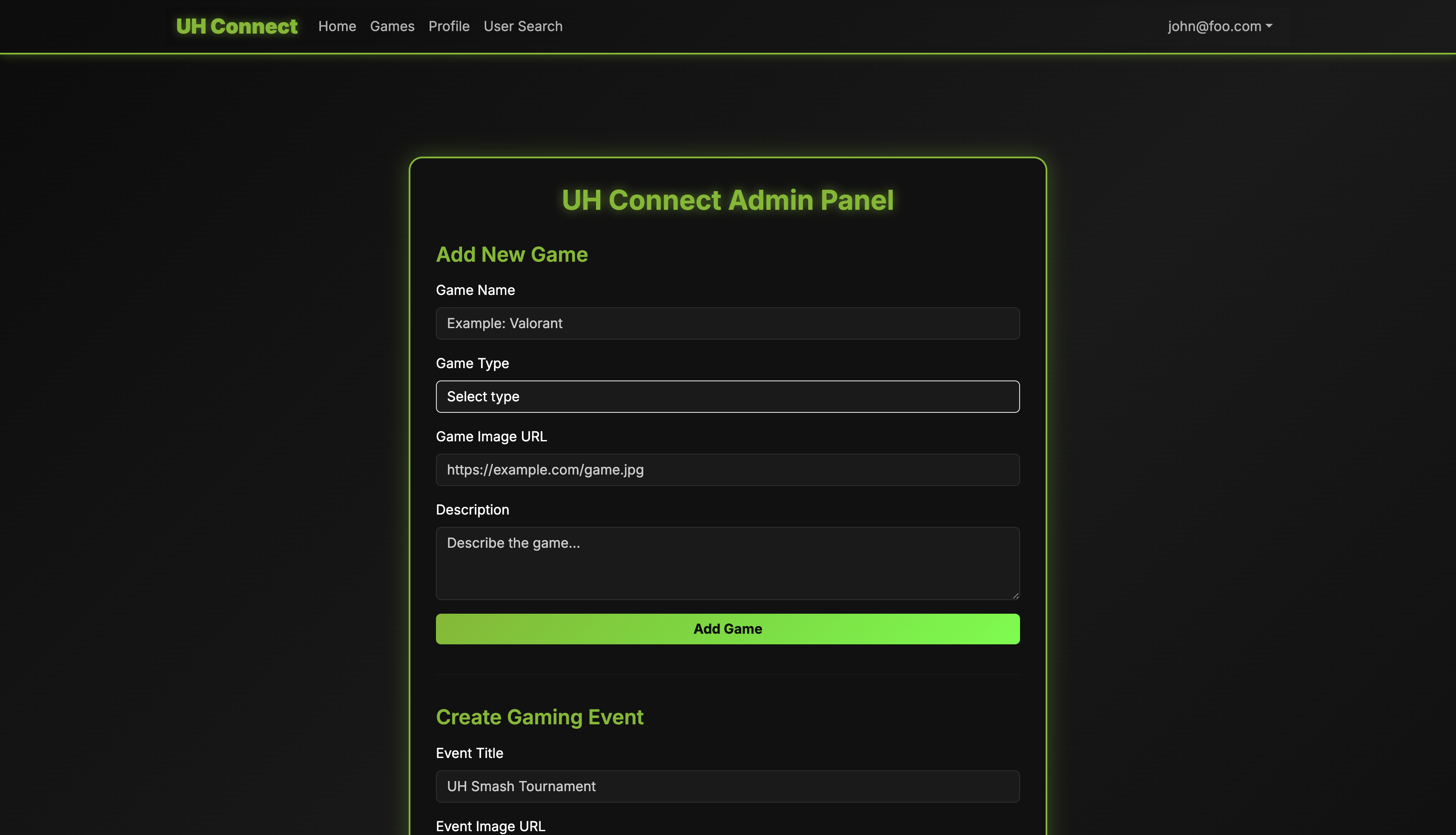
Admin Page
Use Case Diagrams
Risk Management Worksheet
Community Feedback
“I really like the clean layout and how easy it is to navigate. It would be great to have a light mode toggle for people who enjoy lighter themes.”
“Posting and interacting feels smooth, and everything is intuitive. Maybe adding a way to filter posts by tags would help find relevant content faster.”
“The community features are solid. Following users and seeing shared interests makes the app feel more personal.”
“Really clean interface and easy to navigate. I especially like how fast everything loads and how simple it is to find what I’m looking for.”
“I like how the community aspect works and following users is easy. It would be nice to have a way to bookmark or save favorite posts for later.”
Developer Guide
Installation
Prerequisites:
- Node.js (v18 or higher)
- npm or yarn
- Git
Steps:
- Clone the repository:
git clone https://github.com/gamer-connects/Project-UHConnect.git - Navigate into the project directory:
cd Project-UHConnect - Install dependencies:
npm install - (Optional) Create an environment file if your project requires variables:
touch .env.localAdd values such as:
NEXT_PUBLIC_API_URL=<your-api-url> NEXTAUTH_SECRET=<your-secret> UHCDB_POSTGRES_PRISMA_URL=<your-postgres-connection-string> UHCDB_POSTGRES_URL_NON_POOLING=<your-direct-postgres-url> - Initialize the database:
npx prisma migrate dev - Start the development server:
npm run dev - Open the application in your browser:
http://localhost:3000
Deployment
The application is automatically deployed through Vercel.
To deploy changes:
- Commit and push your changes to the main branch:
git add . git commit -m "ready for deployment" git push origin main - Visit your project on the Vercel dashboard to confirm the deployment.
First-time deployment setup:
- Go to https://vercel.com
- Click Add New Project
- Select the
Project-UHConnectrepository - Set any required environment variables:
UHCDB_POSTGRES_PRISMA_URLUHCDB_POSTGRES_URL_NON_POOLINGNEXTAUTH_SECRETNEXTAUTH_URL
- Click Deploy
After deployment, your live site will be available at:
https://project-uh-connect-wbxh.vercel.app
You can monitor deployment logs under the Deployments section in Vercel.
Team
- Jenebryan Mercado
- Andrew Bushong
- Richard Masuda
- Nalani Klopfenstein
- Jiaxing Feng